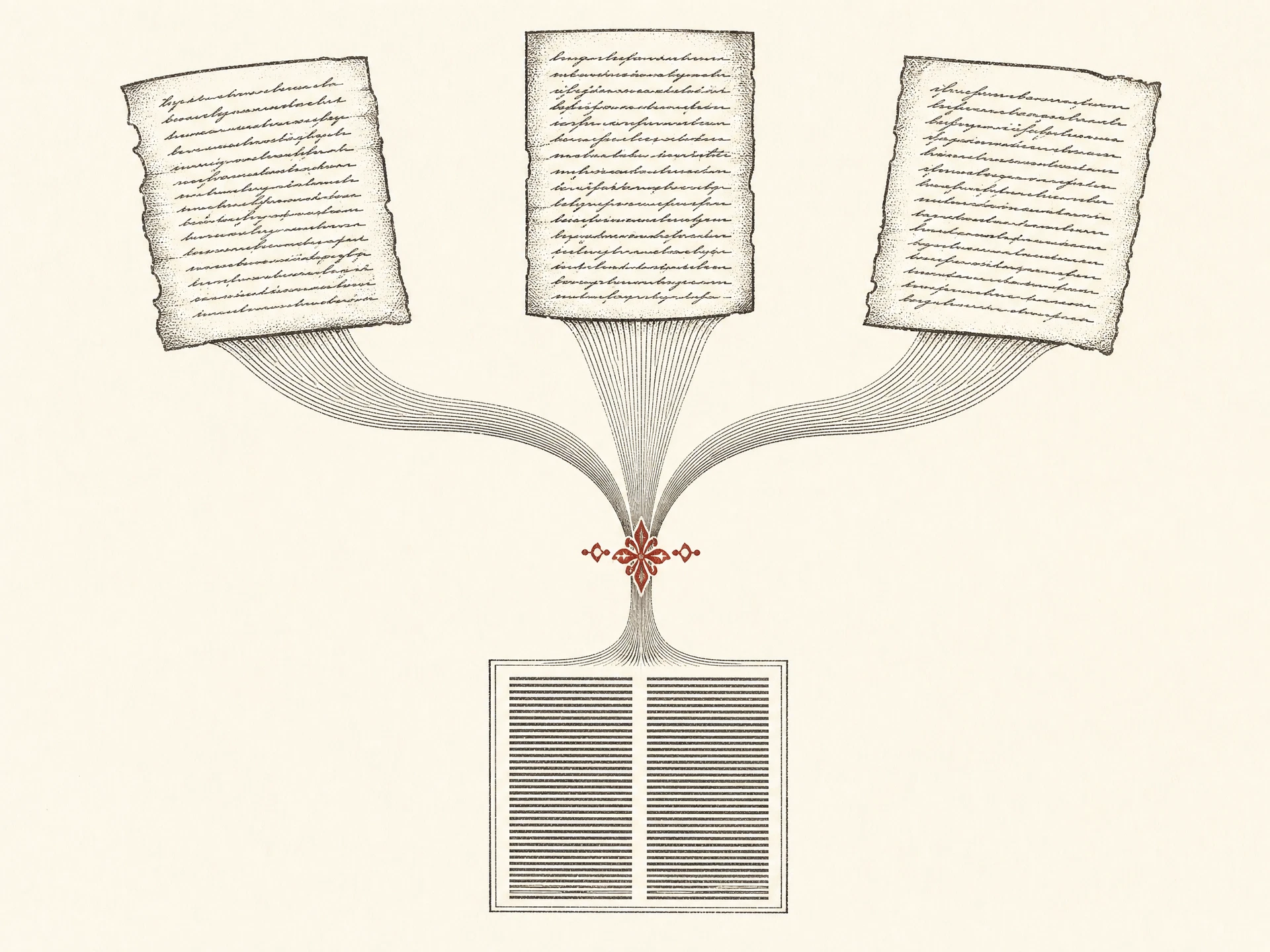
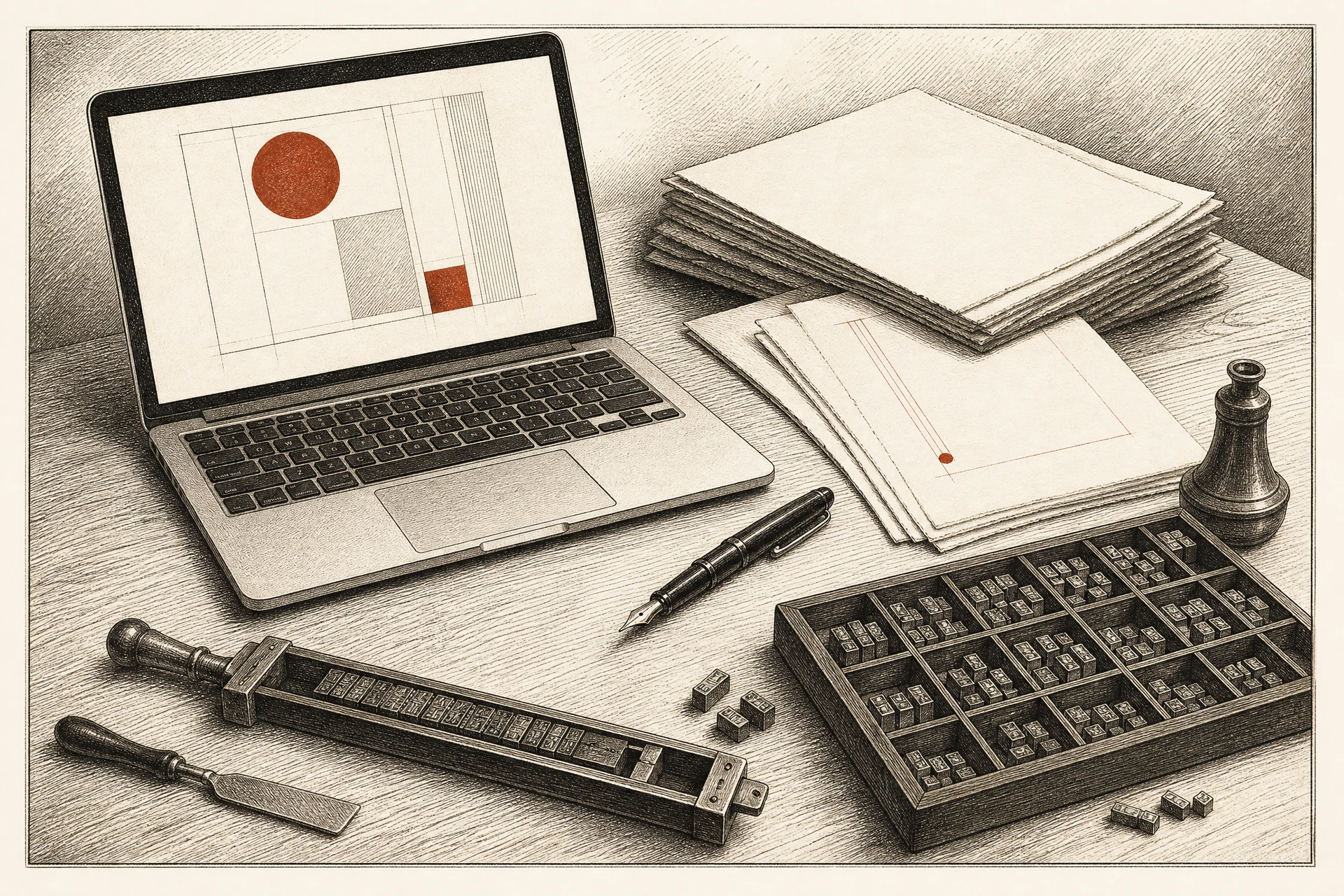
Manuscripts, data and layout — kept in step without anyone waiting on anyone.
Place with AuthorLink
Place any .docx, .xlsx or plain-text file as a
styled story with a dynamic link (⌘⇧D). Built-in import filters — Microsoft Office
not required.
Excel spreadsheet links
Spreadsheets place as tables with a one-way merge: format and edit cells locally while new data
from the sheet flows in. Cell-by-cell merging keeps both.
Word tables, footnotes & images
Tables import as editable tables, footnotes and endnotes travel with the story and merge by note,
inline images come along — and all of it exports back to Word.
Magic merge update
A three-way merge (⌘⇧U) integrates external changes while preserving your styling —
including independent insertions and deletions on both sides. Update All
merges every changed link at once.
Change review
After every merge, a review panel lists exactly what came from the external file, what local work
was kept, and where conflicts were resolved.
Two-way Word workflow
Push your story edits back into the linked Word document, or export any story as a fresh,
automatically-linked .docx. Link to Original retroactively links existing
stories to files.
Story Notes
Real conflicts never vanish: both versions are captured as dismissible notes, anchored to the
paragraph, table cell or footnote where they happened.
Rich story editor
Native macOS editing with ⌘B/⌘I/⌘U, strikethrough, small caps,
super/subscript, text color, a paragraph-style picker, undo and find. Double-click any table to
edit it in a grid.
Configurable style mapping
Decide exactly how Word paragraph styles map to AuthorLink styles — per document, applied on
every place and update.